Another layout for two pages
This is about the two pages you see side by side. Click an empty bit of paper: the pages get a dashed gold edge, and the Indeling tab shows their layouts, margins and background.
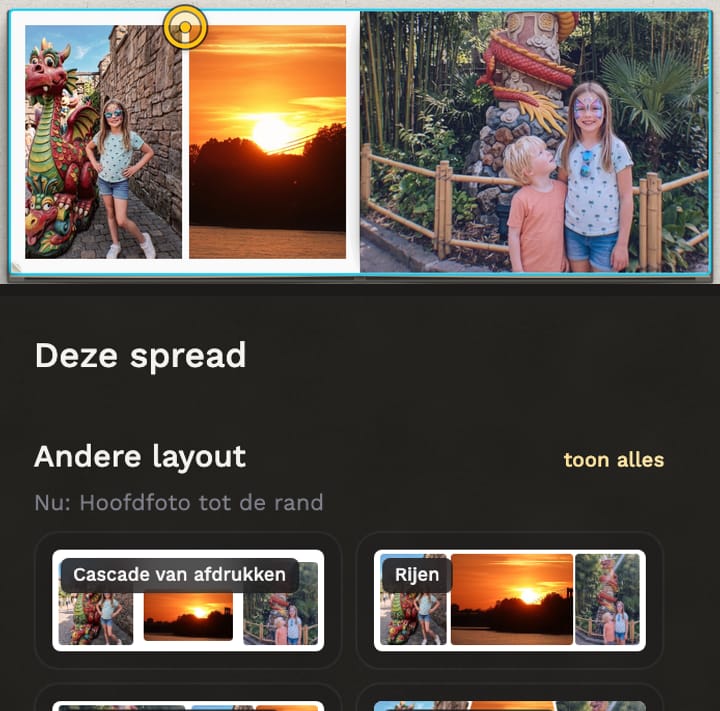
- If something is selected, the first click on the paper deselects it; the second click selects the two pages.
- Andere layout: choose another layout. If it says no other layout fits, your photos would be cropped too much.
- Marges: the space at the sides, top and bottom, at the fold and between the photos. It applies to these two pages only; 'Hele boek' sets it for every page.
- Background: the colour of the paper.
Still stuck? Mail us at help@joypress.nl. We usually reply within a day.